
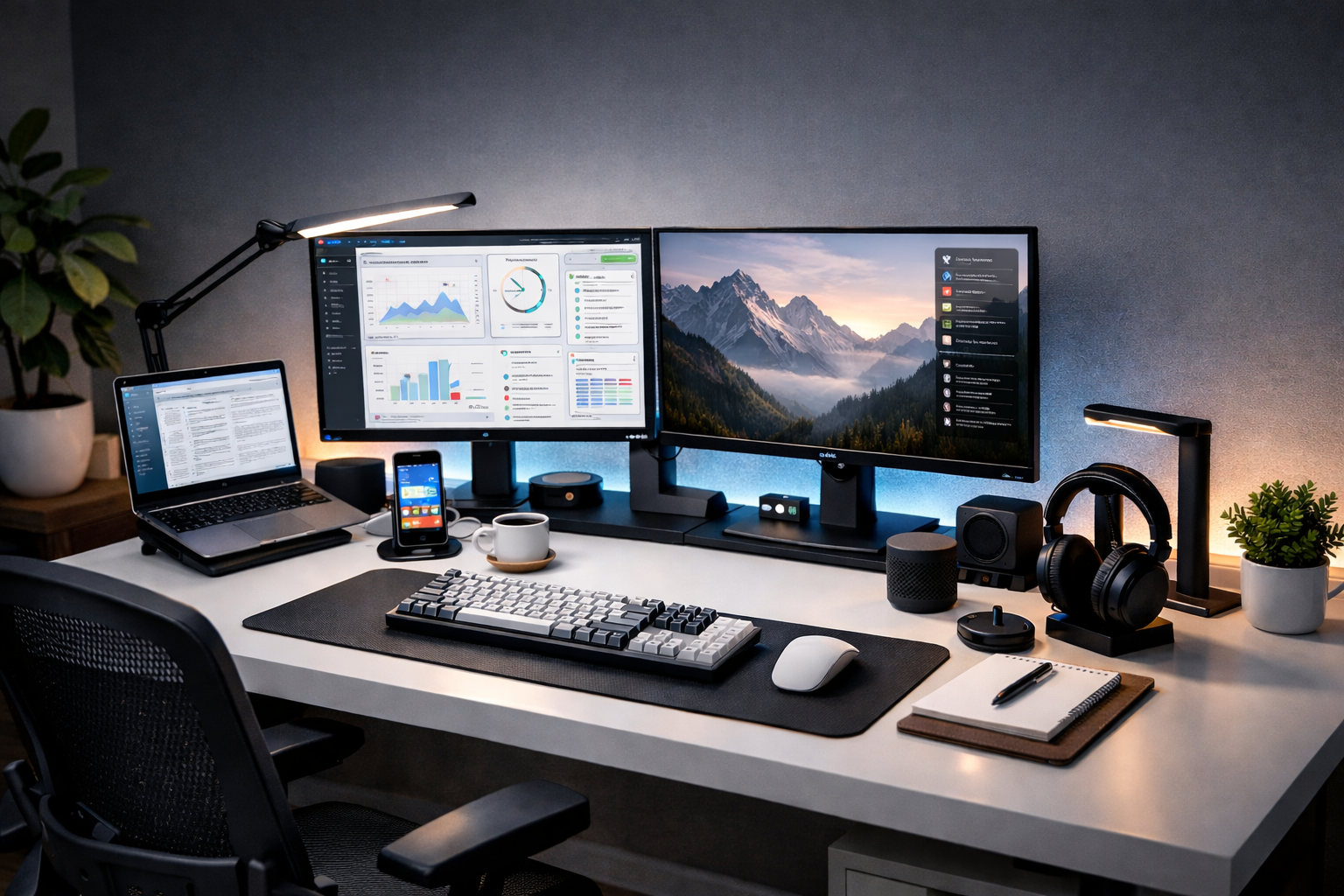
In today’s hybrid work environment, creating an ergonomic and efficient desktop space isn’t just about comfort—it’s about maximizing your output and protecting your health. While laptops offer portability, they often compromise on ergonomics when used for extended periods. Here’s how to transform your desktop into a productivity powerhouse.
The Foundation: Laptop Stands That Elevate Your Work
Your laptop screen sits too low for comfortable long-term use, leading to neck strain and poor posture. The solution? A quality laptop stand.
Recommended laptop stands:
- Roost Stand: Lightweight, portable, and adjustable to multiple heights
- Rain Design mStand: Solid aluminum construction with built-in cable management
- Nexstand: Budget-friendly yet sturdy portable option
- Groovemade Wooden Stand: For those seeking aesthetic appeal alongside function
Pro tip: Position your laptop screen so the top is at or slightly below eye level when sitting upright. This reduces neck strain by approximately 25%.
Wireless Freedom: Keyboards That Keep You Typing Comfortably
The right keyboard can mean the difference between typing for hours pain-free or developing repetitive strain injuries.
Keyboard Types to Consider:
Ergonomic Split Keyboards:
- Logitech ERGO K860: Natural curve reduces wrist strain by 54%
- Microsoft Sculpt: Separated keyboard with dedicated palm rest
- Kinesis Freestyle2: Fully split design with adjustable tenting
Compact Mechanical Keyboards:
- Keychron K Series: Excellent mechanical feel with wireless connectivity
- Logitech MX Mechanical: Slim profile with satisfying tactile feedback
- NuPhy Air75: Ultra-thin mechanical option for minimalists
Considerations when choosing:
- Key travel (2-3mm is ideal for most typists)
- Switch type (tactile vs. linear vs. clicky)
- Backlighting for low-light environments
- Battery life (30+ days is now standard for quality wireless keyboards)
Pointing Precision: Mice That Match Your Movement
Your mouse should feel like an extension of your hand, not a foreign object you’re fighting against.
Ergonomic Mouse Options:
- Logitech MX Master 3S: The productivity standard with thumb rest and customizable scroll wheel
- Microsoft Sculpt Ergonomic Mouse: Natural handshake position reduces strain
- Anker Vertical Mouse: Budget-friendly vertical option that keeps your forearm in neutral position
- Apple Magic Trackpad: Ideal for those who prefer gesture controls
Specialized options:
- Pen tablets (like Wacom) for designers and editors
- Trackballs for those with limited desk space or specific precision needs
The Complete Ecosystem: Making It All Work Together
The magic happens when your devices work in harmony:
- Unified Receivers: Look for Logitech’s Unifying Receiver or modern Bluetooth 5.0+ for connecting multiple devices through one dongle.
- Desk Organization:
- Monitor arms to free up desk space
- Cable management solutions (raceways, clips, sleeves)
- Adequate desk pad to define your workspace
- Monitor Considerations:
- Dual monitors can increase productivity by up to 30%
- Consider a primary vertical monitor for coding or writing
- Ensure monitor height aligns with your now-elevated laptop screen
Health-Driven Layout
- The 90-Degree Rule: Elbows at 90°, knees at 90°, feet flat on floor
- The 20-20-20 Rule: Every 20 minutes, look at something 20 feet away for 20 seconds
- Movement Integration: Consider a standing desk converter or under-desk bike for active sitting breaks
Budget vs. Premium Considerations
Budget Setup (~$200): Nexstand + Keychron K2 + Anker Vertical Mouse
Mid-Range (~$400): Rain Design mStand + Logitech MX Keys + Logitech MX Anywhere
Premium Setup (~$600+): Fully adjustable stand + Logitech ERGO K860 + MX Master 3S + monitor arm
Remember: Your setup is personal. What works for a programmer might not suit a graphic designer. The key is to test different configurations and notice how your body responds throughout the workday.
Investing in your workspace isn’t just about buying gadgets—it’s about creating an environment where you can do your best work, sustainably, for years to come. Your future self (and your chiropractor) will thank you.
*FixieIt Pro Tip: Most productivity gains from ergonomic setups appear after 2-3 weeks of consistent use as your body adapts to the healthier positioning. Give your new setup time before evaluating its effectiveness.*