
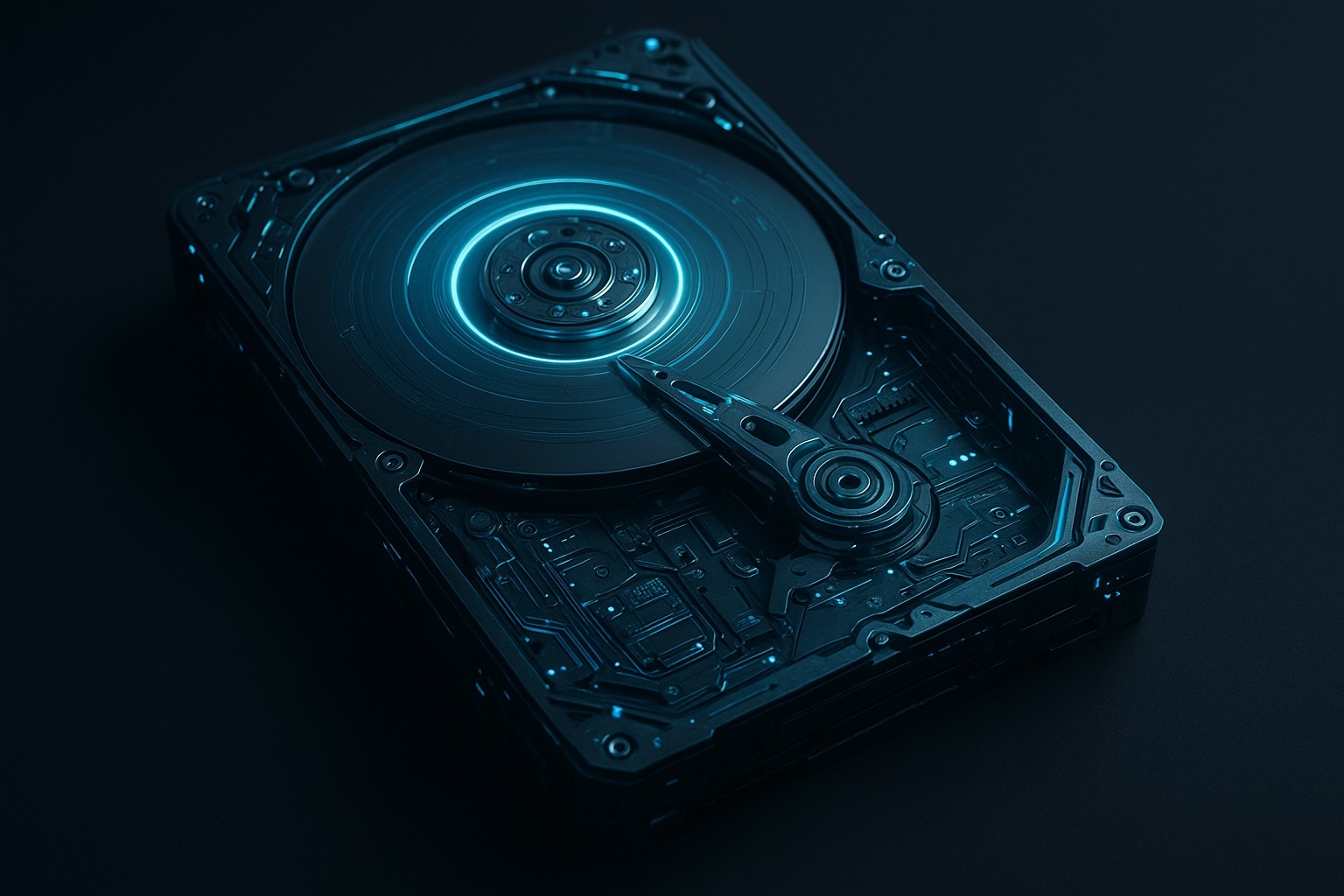
Hard Disk Drives have been at the heart of computer storage for more than four decades. Even with SSDs taking over mainstream devices, HDDs remain relevant due to their affordability, high capacity, and reliability for long-term data storage.
Here’s a clean and complete breakdown of all major types of HDDs used till today (2025) — including legacy models, modern versions, and enterprise-grade drives.
1. PATA (IDE) HDDs – The Early Standard
Before SATA became popular, most computers ran on Parallel ATA (PATA) drives.
Key Features:
- Flat ribbon cable with 40 or 80 wires
- Maximum speeds around 133 MB/s
- Bulky connectors
- Used widely from the 1980s to early 2000s
Usage Today:
Almost obsolete but still seen in old office PCs, legacy machines, and industrial systems.
2. SATA HDDs – The Modern Mainstream
Introduced in the early 2000s, Serial ATA (SATA) replaced PATA with better performance and cable management.
Types of SATA speeds:
- SATA I: 1.5 Gbps
- SATA II: 3.0 Gbps
- SATA III: 6.0 Gbps (still the current standard)
Why SATA HDDs dominate:
- Cheaper storage cost per TB
- Used in desktops, DVRs, gaming consoles, NAS devices, etc.
SATA HDDs remain the most commonly used HDDs worldwide.
3. SCSI HDDs – High-Performance for Servers
Small Computer System Interface (SCSI) drives were used heavily in servers and workstations before SAS became the norm.
Key Advantages:
- High reliability
- Faster than early SATA
- Supported multiple device connections
Current status:
Mostly replaced by SAS but still found in old servers.
4. SAS HDDs – Enterprise-Level Performance
Serial Attached SCSI (SAS) is the backbone of enterprise datacenters.
What makes SAS HDDs special:
- Dual-ported for redundancy
- Very high rpm (10,000–15,000 rpm)
- Excellent for 24/7 high-write workloads
- Superior durability
Usage:
- Datacenters
- High-performance computing
- Enterprise backup and archival systems
5. Hybrid Drives (SSHD) – HDD + SSD Combo
SSHDs combine traditional HDD storage with a small SSD cache.
Benefits:
- Faster boot time vs normal HDD
- Lower cost compared to full SSD
- Larger capacity with better performance
Common uses:
- Laptops
- Budget gaming systems
- High-capacity consumer PCs
6. External HDDs – Portable Storage
External HDDs come in 2.5-inch and 3.5-inch sizes and connect via USB.
Types:
- USB 2.0 (old)
- USB 3.0 / 3.1
- USB-C
- Thunderbolt HDDs (rare but high-speed)
Best for:
- Backups
- Large media libraries
- On-the-go storage
7. NAS HDDs – Built for Network Storage
NAS drives (like WD Red, Seagate IronWolf) are designed specifically for 24/7 operation.
Features:
- Vibration resistance
- RAID optimization
- Automatic error recovery control
- Designed for continuous use
Used in:
- Home media servers
- Office NAS systems
- Cloud storage boxes
8. Surveillance HDDs – Optimized for CCTV
These drives are designed for continuous writing and video streaming.
Special features:
- Heat and vibration resistance
- Stable write speeds
- Optimized for 24/7 high-definition recording
9. Helium-Filled HDDs – The Future of High Capacity
Helium HDDs use helium instead of air, reducing friction and heat.
Advantages:
- Bigger capacity (10TB to 24TB)
- Lower power consumption
- Higher reliability
- Less internal turbulence
These are mostly used in cloud datacenters and enterprise backup systems.
10. SMR & CMR HDDs – Two Recording Technologies
HDDs today use one of two recording methods:
CMR (Conventional Magnetic Recording)
- Most common
- Best for general use
- Excellent for random writes
SMR (Shingled Magnetic Recording)
- Higher storage density
- Slower random writes
- Good for archiving and cold storage
11. High-RPM HDDs
HDDs come with different spindle speeds:
- 5400 rpm → cool, quiet, energy efficient
- 7200 rpm → faster everyday performance
- 10,000–15,000 rpm → enterprise servers
Higher RPM means faster read/write speeds but more heat.
Conclusion
Even in 2025, HDDs continue to evolve. While SSDs dominate speed and performance, HDDs remain unbeatable for large, cost-effective storage. From legacy PATA drives to helium-filled 24TB giants used in cloud datacenters, HDDs still play a major role in the modern storage ecosystem.