
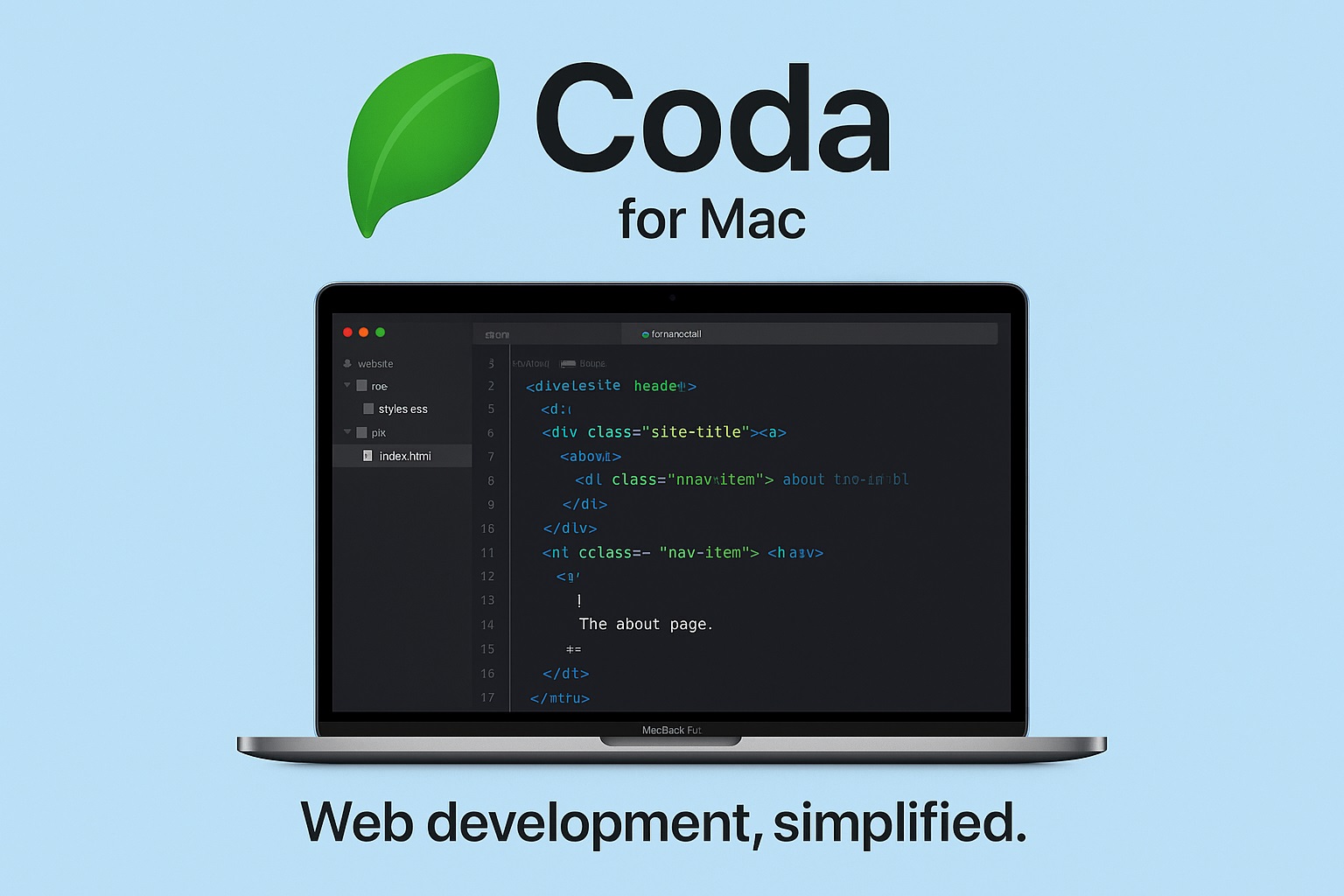
Coda is a web-development app developed by Panic, designed to bring many web-development tools into a single integrated environment on macOS. Wikipedia+2Macworld+2
Its core idea: rather than juggling a separate text editor, FTP client, terminal, browser preview and CSS editor, you get all that in one “window” — organized per project/site instead of by app. Macworld+2Ars Technica+2
Why Coda stood out — Strengths & Benefits
✅ All-in-one workflow: code, upload, preview — in one place
- Coda merges a full-featured text editor, CSS editor, built-in terminal/SSH, and support for FTP/SFTP/FTPS/WebDAV — so you can code, manage remote files, and upload changes from inside the same app. Macworld+2Ars Technica+2
- It also integrates a live preview (via WebKit) and a built-in preview of rendered HTML/JS, letting you see your changes as you code — without switching to a separate browser. Macworld+2Cult of Mac+2
- A built-in CSS editor makes styling convenient — you can work visually or in code. Macworld+1
This “everything in one window” approach drastically reduces context-switching, making web development faster and smoother. Macworld+2Softpedia+2
✅ A polished, efficient code editor experience
With version 2 and later, Coda improved its editor significantly:
- Syntax highlighting (for HTML, CSS, JS, PHP, etc.), code-folding (so you can collapse/un-collapse big chunks), and auto-completion for your own custom functions and variables make writing code much easier and cleaner. Macworld+2Macworld+2
- Better default syntax colors, smart indentation, closing tags & brackets — all contribute to a more natural coding flow. Macworld
- Project “sites” model: you can group all files, remote/local sync, previews, and terminal sessions under each site — helpful when working on multiple projects. Macworld+2Ars Technica+2
✅ File management + remote-server support built in
Coda’s built-in file browser (powered by Panic’s FTP engine) supports connecting to remote servers over FTP, SFTP, WebDAV, etc. So you don’t need a separate FTP client. Macworld+2Uptodown+2
That makes it convenient to edit files directly on a server, rename/delete/upload — all inside one environment. Uptodown+1
✅ Good balance between visual tools and coding freedom
Because Coda gives you both a visual environment (live preview + CSS design tools) and a powerful text-based editor, it suits a range of workflows — from quick edits to full-blown development. Ars Technica+2Macworld+2
This makes it useful for both “lightweight” website tweaks (e.g. editing HTML/CSS) and more involved coding. Cult of Mac+2Softpedia+2
✅ Historically — well-designed & Mac-centric
From its earliest versions, Coda was praised for being well thought-out, neatly integrated, and optimized for the macOS developer. Ars Technica+2Macworld+2
The design philosophy: reduce clutter and let developers focus on code + project rather than juggling too many apps. Ars Technica+1
⚠️ What to Consider / Limitations
- As of recent years, the original Coda has been discontinued by Panic; the company now recommends its successor Nova for native Mac development. panic.com+2help.panic.com+2
- Compared to more heavyweight IDEs or editors (especially those designed for multi-language/multi-framework use), Coda may lack some advanced features — e.g. deep project-wide code analysis, built-in Git integration (though you may rely on external tools), or advanced debugging for complex applications. Softpedia+2Wikipedia+2
- Its remote editing feature, while powerful, depends on stable server access — not ideal if your workflow is heavily reliant on local development or modern development workflows (node-based build tools, version control, etc.).
🎯 Who Coda is Good For
Coda is particularly well-suited for:
- Freelancers or small-scale web developers who maintain simple websites (HTML/CSS/JS/PHP) and need a fast, unified workflow to edit & upload directly.
- People who appreciate a minimalist, integrated workspace rather than juggling many separate tools.
- Developers or designers who value a mix of visual editing (live preview, CSS editing) and code-based control.
- Users on Mac who prefer macOS-native tools that fit into a Mac-centric workflow.
🧑💻 Final Thoughts
If you’re working on web projects that are relatively straightforward, and you want a streamlined, efficient tool — Coda was (and in many respects still is) a strong choice. Its strength lay in bridging gaps between coding, file management, previewing, and uploading — all inside one slick, Mac-native window.
If you choose to try Coda now, do note that it has been discontinued — so for long-term support or modern workflows you might consider its successor, Nova, or other actively maintained editors.