If you’ve worked with virtualization or even just heard about VMware, you’ve probably come across the term “cluster.” It sounds technical, but the idea behind it is actually quite simple.
In this article, let’s break it down in a way that makes real sense—no heavy jargon.
What is a VMware Cluster?
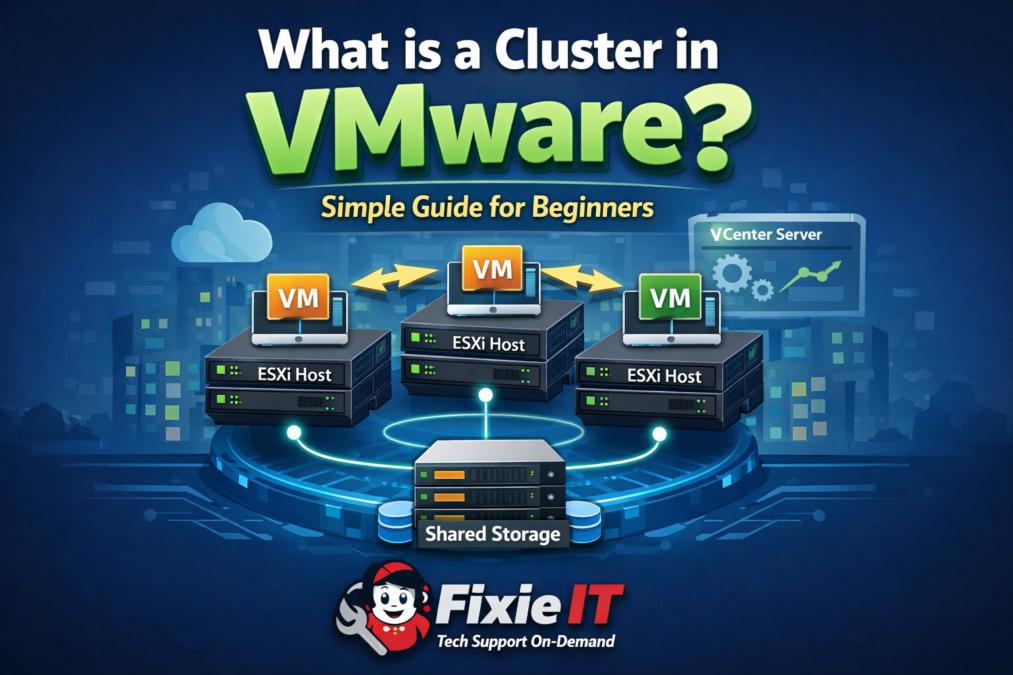
In VMware vSphere, a cluster is a group of physical servers (called ESXi hosts) that are connected and managed together as one system.
Instead of using each server separately, VMware combines them so they can share resources like CPU, memory, and storage.
Think of it like this:
Instead of having 3 separate machines doing their own work, a cluster makes them act like one powerful system.
How Does a Cluster Work?
A typical VMware cluster setup includes:
- Multiple ESXi hosts (physical servers)
- Shared storage (SAN or NAS)
- A central controller called vCenter Server
- Virtual Machines (VMs) running across hosts
All hosts in the cluster can access the same storage, which allows virtual machines to move freely between them.
Key Features of VMware Clusters
1. High Availability (HA)
If one server crashes, VMware automatically restarts the virtual machines on another host in the cluster.
👉 Result: Less downtime, more reliability.
2. Distributed Resource Scheduler (DRS)
DRS balances workloads across all servers in the cluster.
👉 If one host is overloaded, VMs are automatically moved to another.
3. vMotion
This feature allows you to move a running virtual machine from one host to another without shutting it down.
👉 No downtime at all.
4. Fault Tolerance (FT)
Creates a live duplicate of a virtual machine on another host.
👉 If one fails, the other instantly takes over.
Why Do Companies Use Clusters?
Here’s the practical side—why this actually matters in real environments:
- Better performance through load balancing
- Reduced downtime during failures
- Easier management of multiple servers
- More efficient use of hardware resources
In industries like IT services, finance, and even petroleum companies, clusters are essential for keeping systems running 24/7.
Real-World Example
Imagine you are running business applications on 3 servers:
- Without a cluster → each server works independently
- With a cluster → all 3 servers share the load
If one server fails, the others automatically take over without affecting users.
Final Thoughts
A VMware cluster is not just a technical feature—it’s a smart way to make your IT infrastructure more reliable, flexible, and efficient.
If you’re working in IT support or planning to move into system administration, understanding clusters is a must. It’s one of those concepts that shows up everywhere in real-world environments.
Need Help with VMware or IT Setup?
If you’re facing issues with virtualization, email setup, system performance, or server configuration, FixieIT can help you remotely with fast and reliable support.
Feel free to reach out and get your systems running smoothly.